


Sandwich Runner


Installs
100M+Category
OfflineContent Rating
Everyone
Screenshots
Editor's Review
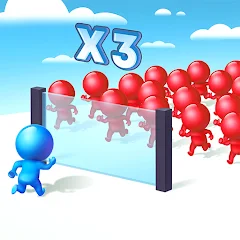
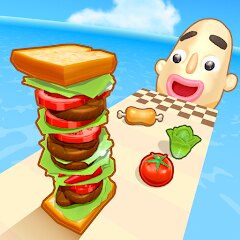
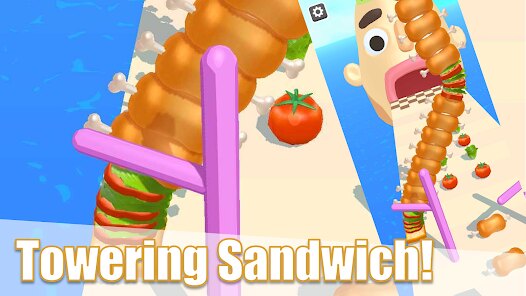
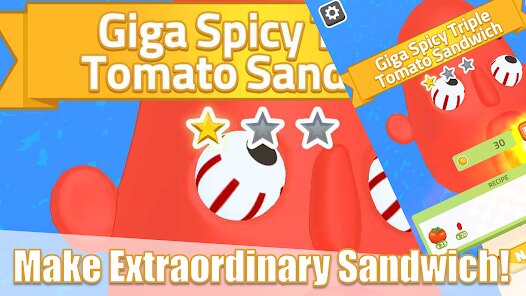
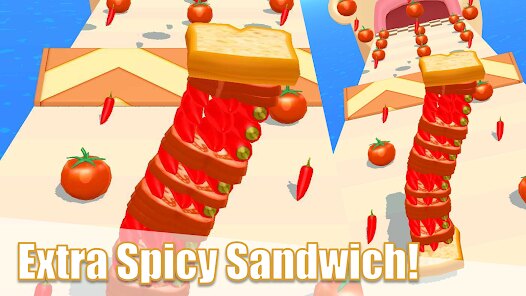
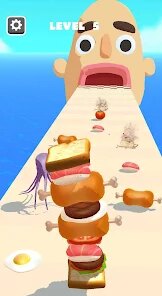
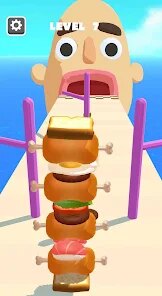
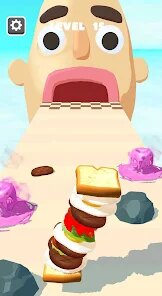
Sandwich Runner is a fun mobile game where you run and make sandwiches. You play as a character who runs through different places. As you run, you collect ingredients like bread, cheese, and tomatoes. The goal is to make a complete sandwich before time runs out. The game is easy to start. You just tap to jump over obstacles and slide to collect items. The controls are simple, so anyone can learn quickly. The main screen shows your character and the path ahead. You see your current sandwich progress at the top of the screen. There are also buttons for pausing the game and checking your ingredient collection.
The main part of the game is collecting ingredients while running. You need to get two pieces of bread first, then add things like lettuce and meat. Each level has a list of ingredients you must find. Some ingredients are easy to see, but others are hidden. You must jump to reach high items or slide under barriers. The game gets harder as you go. Later levels have more obstacles and less time. There are also special power-ups. A speed boost lets you run faster for a short time. A magnet pulls ingredients toward you. You can use these items to help complete difficult levels.
Sandwich Runner has in-app purchases. You can buy coins with real money. Coins are used to get new characters or buy extra power-ups. The game also shows ads. You will see video ads sometimes after finishing a level. You can choose to watch an ad to get a free reward. The game is available on both the Google Play Store and the Apple App Store. You can download Sandwich Runner for free on your Android phone or iPhone. It is a light game that does not need much storage space. The game is good for short play sessions when you have a few minutes free.
Questions You Might Have
Is Sandwich Runner hard to play?
No, Sandwich Runner is not hard to play. The controls are very simple. You only need to tap to jump and swipe to slide. The first few levels teach you how to play. The game starts easy so you can learn. Even young players can enjoy it. The difficulty increases slowly. You will face more challenges in later levels, but the basic gameplay stays the same.
How do I download Sandwich Runner?
You can download Sandwich Runner from app stores. For Android phones, go to the Google Play Store. For iPhones, go to the Apple App Store. Search for "Sandwich Runner" in the store. The developer is listed as 株式会社ドワンゴ. Tap the install button to download it. The game is free to download. Make sure you have an internet connection for the download.
Does the game have too many ads?
Sandwich Runner shows ads, but not too many. You will usually see an ad after you finish a level. Sometimes you can watch an ad to get a free power-up or coins. The ads are mostly short video ads. They do not interrupt your gameplay while you are running. You can play the game without watching optional ads, but you might progress slower.
Do I need to pay to win?
No, you do not need to pay to win Sandwich Runner. You can finish all levels without spending money. The in-app purchases are for extra coins or special characters. These items can help you, but they are not required. You can earn coins by playing the game and watching ads. Skill and practice are more important than paying money.
Can I play Sandwich Runner offline?
Yes, you can play Sandwich Runner offline. After you download the game, you do not need an internet connection to play the levels. However, you will need internet to download the game first. You also need internet to watch video ads for rewards. If you play offline, you will not see any ads, but you also cannot get the free rewards from them.
Download Apk File
Disclaimer
1 . Zebratests does not represent any developer, nor is it the developer of any App or game.
2 . Zebratests provide screenshots, historical version Apk, links and other information, which we collected from Google Play. We will also add our own reviews to provide users with more information to choose.
3 . All trademarks, registered trademarks, product names and company names or logos appearing on the site are the property of their respective owners.
4 . Zebratests abides by the federal Digital Millennium Copyright Act (DMCA) by responding to notices of alleged infringement that complies with the DMCA and other applicable laws.
5 . We guarantee the security of apk files downloaded from our site and also provide the official download link at Google Play Store and App Store.
6 . If you are the owner or copyright representative and want to delete your information, please contact us [email protected].
7 . All the information on this website is strictly observed all the terms and conditions of Google Ads Advertising policies and Google Unwanted Software policy.